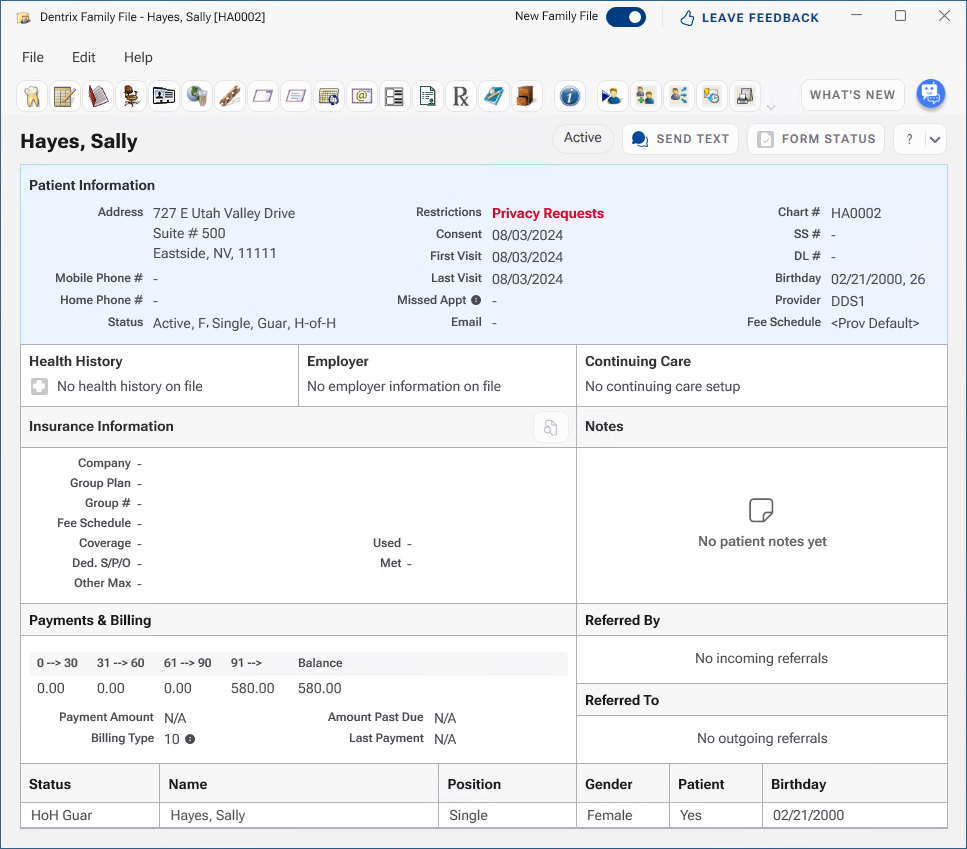
When you set a privacy request, a red privacy request indicator appears in the Patient Information card.
To set a privacy request
1. With a patient selected in the Family File, double-click the Patient Information card.
The Patient Information dialog box appears.
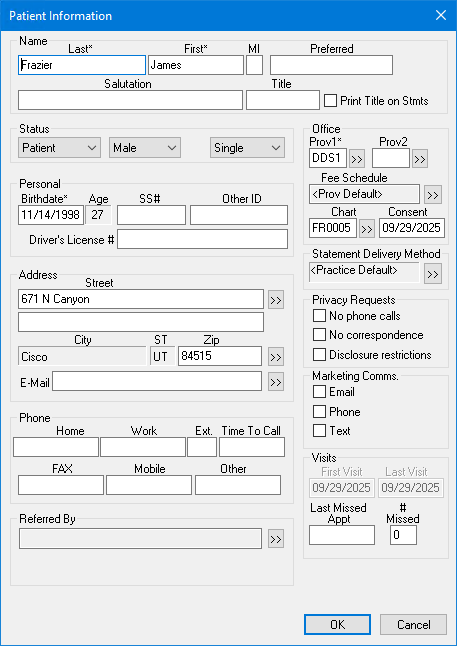
2. Under Privacy Requests, select the desired option:
No phone calls
No correspondence
Disclosure restrictions
3. Click OK.
The Dentrix Family File Module dialog box appears.
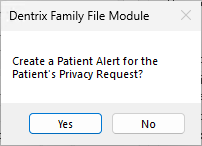
4. To create a patient alert, click Yes.
The term Privacy Requests appears in the Patient Information card.